Vidu Q4 is an AI video-generation model on the Vidu platform. Its official page emphasizes image-to-video and reference-to-video workflows, with support for multiple visual and voice references. Creators can start from an image or assemble references to guide a short scene, then adjust the prompt and output settings for the intended format. The official product page is the best starting point for current availability, supported workflows, and release details: Vidu Q4 AI video generator.
The image-to-video workflow begins with a still image and a text instruction describing action, camera behavior, or atmosphere. It is intended to animate a source frame while retaining its native aspect ratio. Official product information lists clip durations from three to sixteen seconds and output options up to 2K or 4K, subject to the available settings.
Reference-to-video is designed for projects that need more than one source image. The product page says users can combine one to fifteen reference images and up to three voice references, helping guide characters, visual style, scenes, and spoken performance within a generated sequence.
Vidu Q4 highlights multi-shot storytelling, camera movement, and synchronized audio-visual output. These controls can be useful for a compact commercial, a social-video concept, or a storyboard experiment. Generated results still need review for continuity, movement errors, speech quality, and rights to source material.
The platform’s stated use cases include AI series, advertising, social content, and cinematic production. A creator can use the reference-based workflow to develop a consistent direction across a short piece, while image-to-video is a simpler way to explore motion from an existing frame.
Vidu Q4 is accessed through Vidu’s online generation workflow rather than installed as a local open-weight model. Users should consult the current product interface for availability, credit requirements, duration, output quality, and commercial-use terms before planning a production.
Step 1. For image-to-video, choose a source image you have permission to use, decide what should move and what should remain stable, and write a direct prompt with the subject, action, camera movement, and scene mood. Generate a short draft and inspect important frames before exporting.
Step 2. For a reference-to-video experiment, gather images that consistently show the intended character, location, or style. Add voice references only when you have the necessary rights and consent. Keep the requested scene concise, then compare the result against the references for identity and pacing.
Step 3. For marketing work, treat the output as a draft asset. Create multiple prompt variations, note which references and settings were used, and have a person review product details, text, logos, audio, and claims before publishing.
What modes does Vidu Q4 support?
The official product page lists image-to-video and reference-to-video. The latter can use multiple image references and up to three voice references.
How long can a Vidu Q4 clip be?
The official page lists image-to-video clips from three to sixteen seconds and reference-to-video scenes up to sixteen seconds. Check the current interface for available settings.
Can Vidu Q4 keep a character consistent?
Reference images and voice references are designed to guide consistency, but generated output can vary. Inspect each result rather than assuming a perfect match.
Is Vidu Q4 a local model download?
The product is offered through Vidu’s hosted generation platform. Consult Vidu’s terms and current access page for account, pricing, and usage details.
Before adopting Vidu Q4 AI video generator, define what success looks like in terms that can be checked: a correctly opened or processed input, an output that meets the quality bar, compatibility with the next step, and a recovery path if something goes wrong. Choose representative material, preserve an untouched copy, and change only one or two settings during the first comparison. Record the exact product version and the choices you made. This creates evidence you can revisit rather than relying on a vague first impression.
Vidu Q4 AI video generator fits best when it is connected to a clear workflow rather than treated as a novelty. Identify the point where it will be used, the person who checks the result, and the next tool or step that receives the output. Then decide what should be saved: source files, prompts, model or app versions, settings, and review notes. A short repeatable process helps teams compare outcomes and prevents avoidable rework. Start with one task that has a visible success criterion, then expand only if the product performs reliably.
For a second evaluation, repeat the task with a different input that tests one important boundary. Examples include a more complex document, a noisier clip, a less familiar location clue, or a multiplayer session with a small invited group. Compare the outcome, note the failure cases, and decide which limitations matter in your setting. That process makes Vidu Q4 AI video generator easier to compare fairly with tools you already use.
The goal is not to use every feature at once. Vidu Q4 AI Video Generator is easier to assess when one defined task is tested carefully, the result is reviewed by a person, and the decision is based on documented capabilities. Visit Vidu Q4 AI video generator for the current product information, then make the next step small enough to reverse if the result is not a fit.
Learn more on the official site: Vidu Q4 AI video generator.
AI Kenerate puts top models like Veo 3.1, Kling 3.0, FLUX, and Suno v6 behind one prompt box and one credit balance.Try AI Kenerate.

AI-powered face analysis that turns a photo into detailed measurements, style insights, and personalized recommendations.
Upload a photo. Get the maker, age, and value — Antique Scanner reads marks, materials and wear so you know what your antique is worth.
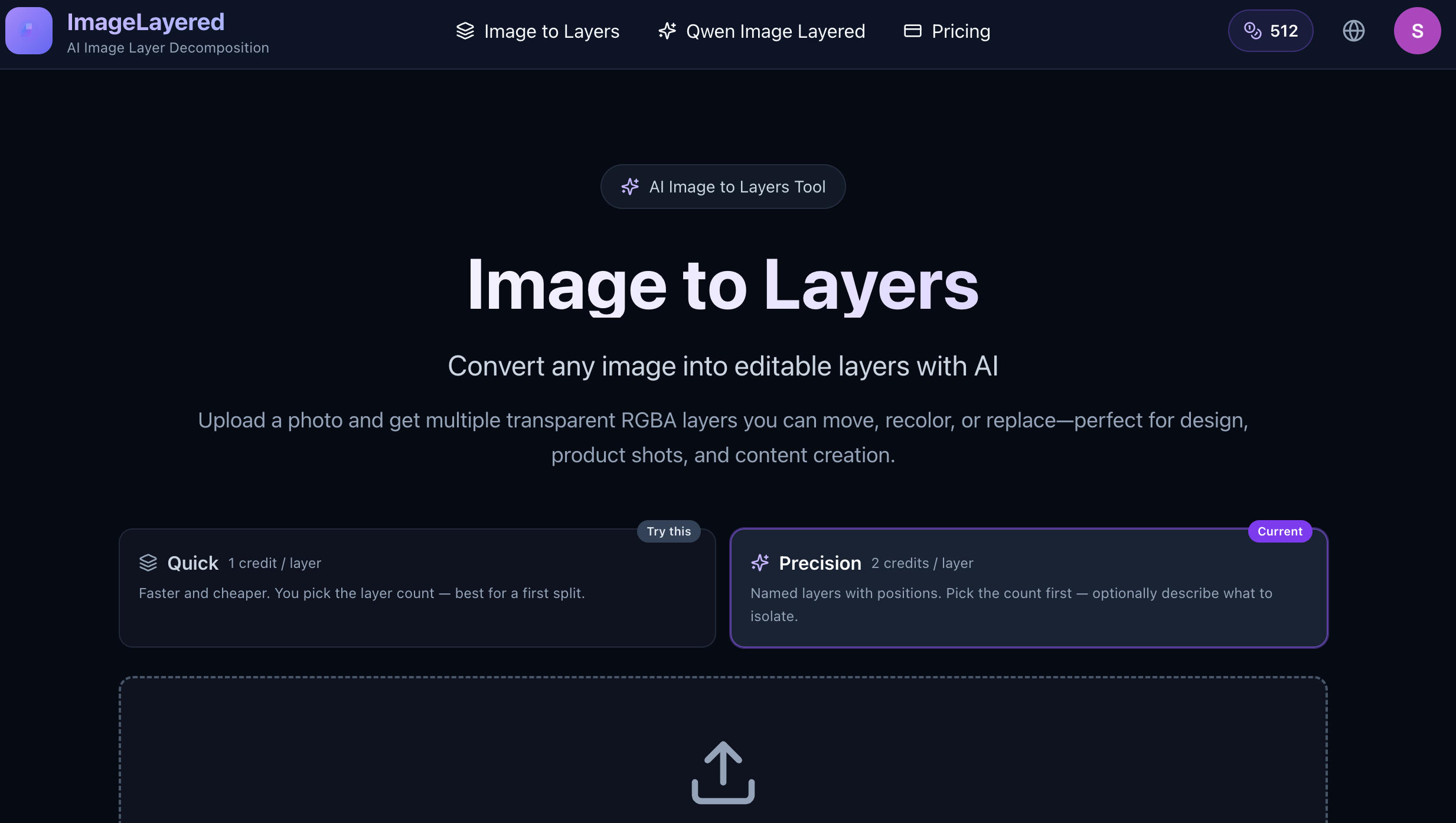
Convert any image into editable layers with AI
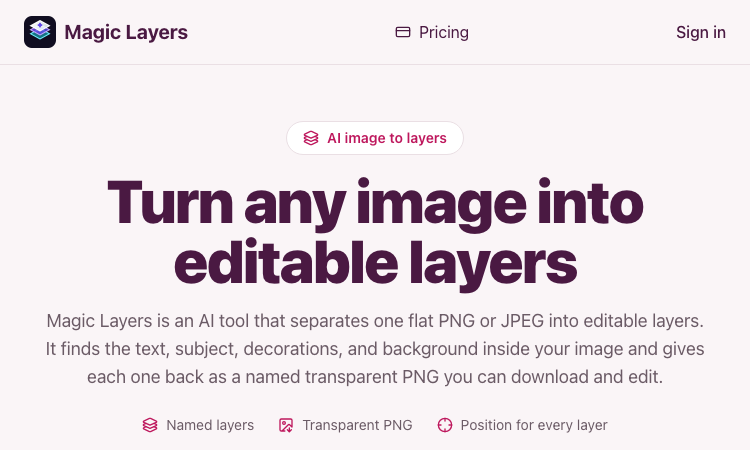
Magic Layers – Official Website, What It Is & How to Use

Harness True Model Potential Transform Every Spark of Inspiration into Reality
