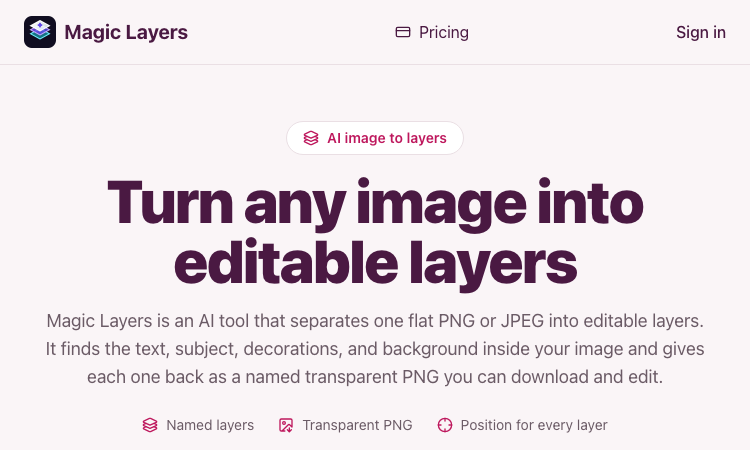
Magic Layers is an AI image-to-layers tool that splits one flat PNG or JPEG into named, transparent, editable layers.
We are not the official developer of Magic Layers. This page helps users find, understand, and use the product.
Magic Layers is a browser tool for a very specific problem: you have a finished image, but not the Photoshop, Figma, or Canva file behind it. You upload one PNG or JPEG, pick a target of 2–12 layers, and the site returns a base image plus named transparent PNGs for elements such as the headline, subject, decorations, and background.
People search “Magic Layers” both for this site and for Canva’s similarly named feature. This page is about the independent product at magiclayers.net. Unlike a background remover, it does not discard everything except one subject. Unlike opening a .psd, it cannot recover live text, fonts, or vectors — the output is raster PNG layers with names, short descriptions, and detected positions in the original image.
On the homepage (checked August 27, 2026), the whole job flow sits on the first screen: a drop zone, a layer-count slider, a credit estimate, and a Separate into layers button. The About page states the model is ByteDance Volcano Engine Ark / Seedream.
The site loaded over HTTPS at magiclayers.net on August 27, 2026. It is a Next.js app on Cloudflare, with Stripe checkout on the pricing page.
This is a newly published product (the site lists a founding date of August 27, 2026). Treat it like any new paid AI uploader: use only images you have rights to. Magic Layers itself says separation is a technical operation and does not grant you a licence to the source artwork.
Magic Layers appears to be gaining attention through direct sharing and word-of-mouth, although there is no clear public source showing where the trend originated.
The same search term is also used for Canva Magic Layers, which can send people looking for an official site. magiclayers.net positions itself as a standalone image-to-layers utility for lost source files, not a Canva plugin.
If Magic Layers cannot be opened, try:
If you like Magic Layers, you can also try:
The official website is https://magiclayers.net/.
No. The site is paid. Monthly plans start at $29 (400 credits / up to 200 layers) and one-time packs start at $5 (50 credits). Each layer costs 2 credits, including the base image. Last checked August 27, 2026.
Yes. The homepage shows a Sign in button, and credits, uploads, and downloads are tied to an account.
The About page describes it as an independently built and operated web product, with support at contact@magiclayers.net. No individual founder name is listed. It is not affiliated with Adobe, Figma, or Canva.
Yes. The official site at https://magiclayers.net/ loaded successfully on August 27, 2026.

AI Kenerate puts top models like Veo 3.1, Kling 3.0, FLUX, and Suno v6 behind one prompt box and one credit balance.Try AI Kenerate.

AI-powered face analysis that turns a photo into detailed measurements, style insights, and personalized recommendations.
Upload a photo. Get the maker, age, and value — Antique Scanner reads marks, materials and wear so you know what your antique is worth.
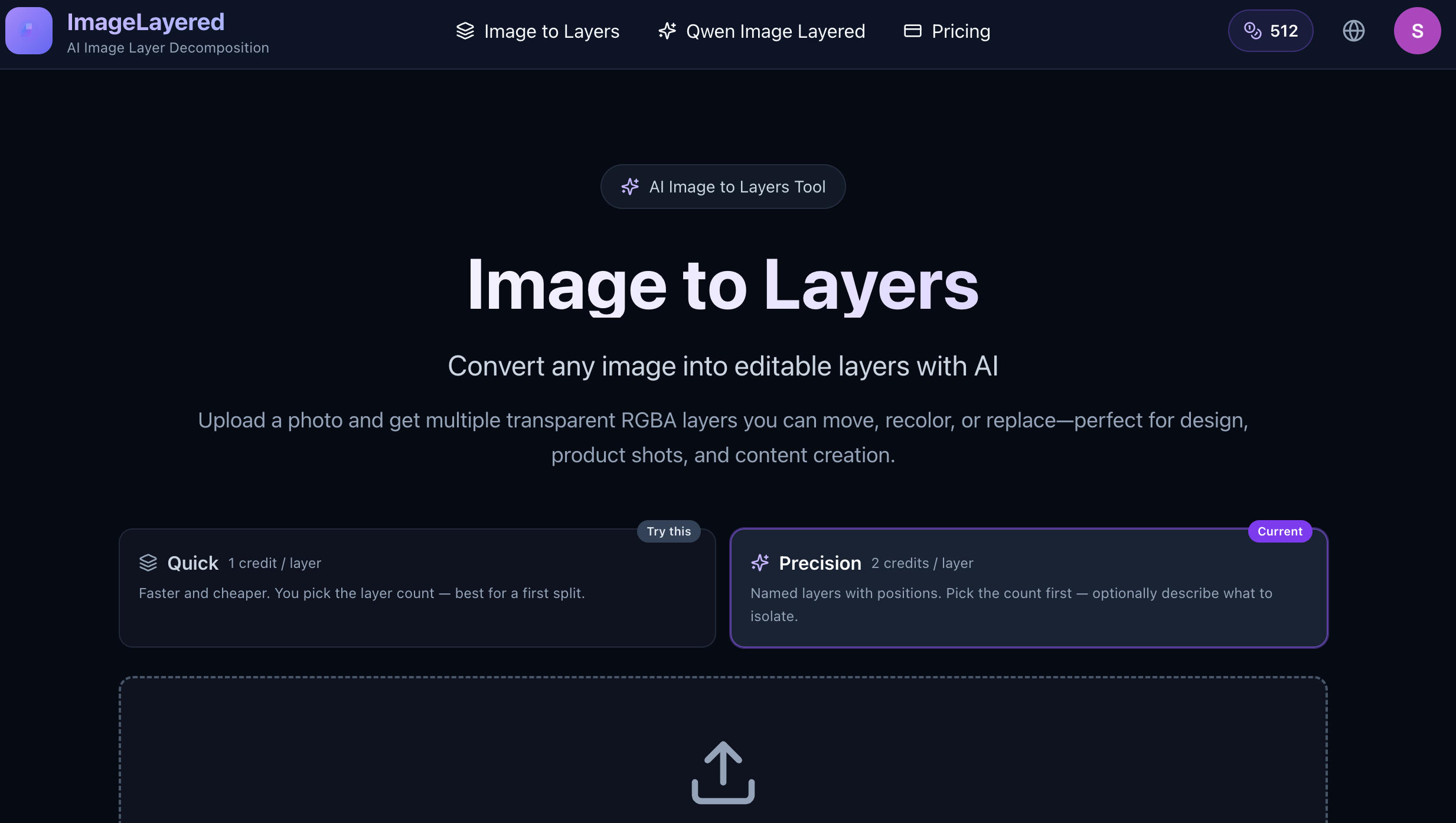
Convert any image into editable layers with AI
Magic Layers – Official Website, What It Is & How to Use

Harness True Model Potential Transform Every Spark of Inspiration into Reality
