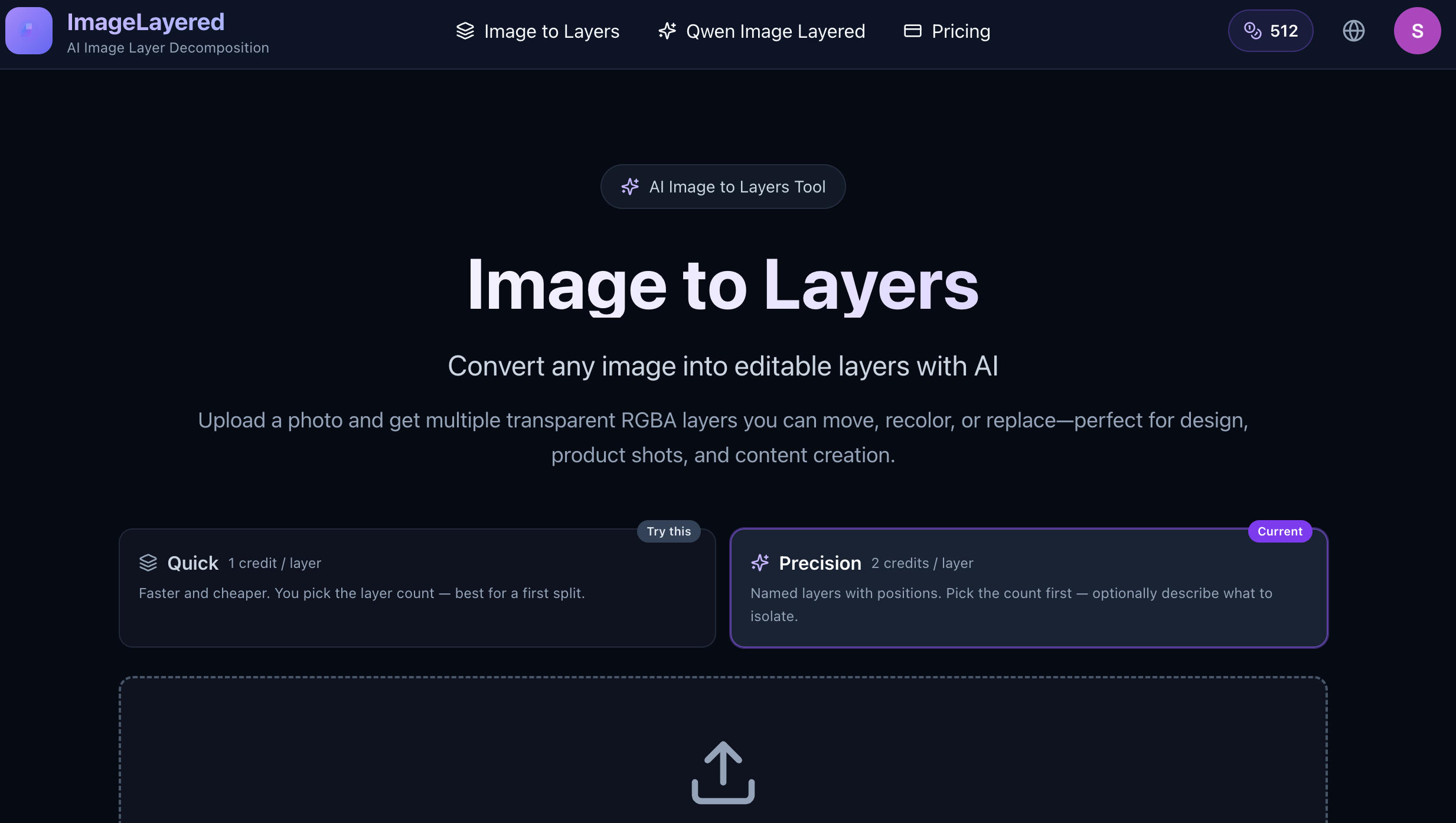
Image to Layers is an AI-powered image decomposition tool that transforms flat images into editable layers.
Simply upload an image and let AI automatically identify and separate the different elements in your composition. Instead of working with a single flattened image, you get multiple transparent RGBA layers that can be independently moved, recolored, replaced, or rearranged.
Image to Layers can also reconstruct hidden areas behind overlapping objects, making the separated layers more useful for further editing. You can choose the number of layers and optionally provide instructions to guide how specific elements should be separated.
The tool is useful for graphic design, e-commerce product images, marketing materials, social media content, mockups, game assets, and illustrations. Export your layers as transparent PNGs and continue editing them in Photoshop, Figma, or any other tool that supports transparency.
Upload an image. Separate the elements. Edit every layer.
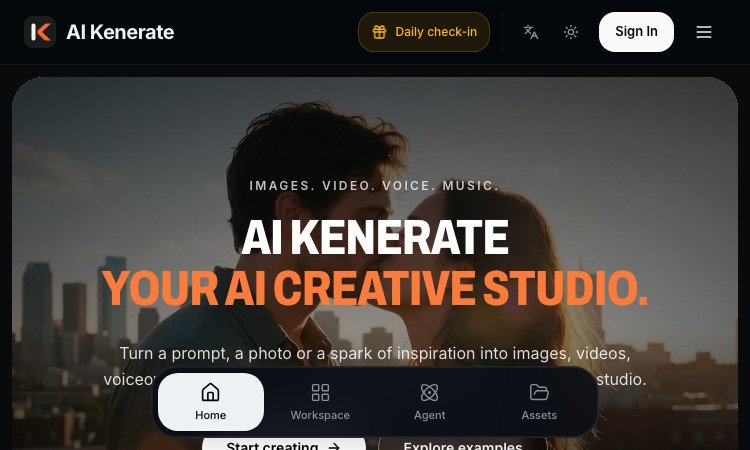
AI Kenerate puts top models like Veo 3.1, Kling 3.0, FLUX, and Suno v6 behind one prompt box and one credit balance.Try AI Kenerate.

AI-powered face analysis that turns a photo into detailed measurements, style insights, and personalized recommendations.
Upload a photo. Get the maker, age, and value — Antique Scanner reads marks, materials and wear so you know what your antique is worth.
Convert any image into editable layers with AI
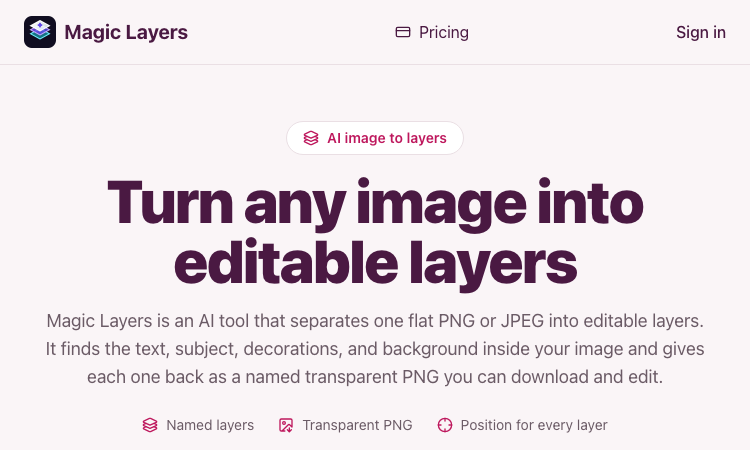
Magic Layers – Official Website, What It Is & How to Use

Harness True Model Potential Transform Every Spark of Inspiration into Reality
