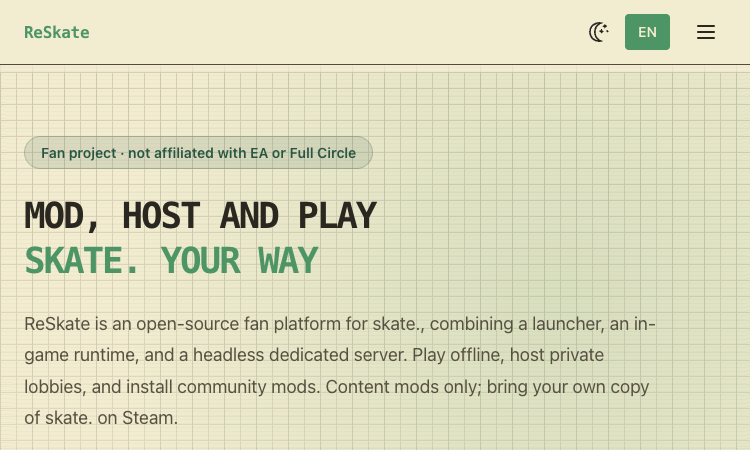
ReSkate is a fan-made, open-source platform for skate., combining a launcher, an in-game runtime, and a dedicated server. The official project describes offline play, private lobbies, a mod browser, community content, and tools such as a park editor. ReSkate is not affiliated with EA or Full Circle and requires the player to bring a legitimate Steam copy of the game. The official product page is the best starting point for current availability, supported workflows, and release details: ReSkate skate modding platform.
The ReSkate skate modding platform is organized into three components: a launcher that checks the supported game build, a runtime that adds in-game features and mod loading, and a headless server for hosting sessions. The separation helps players understand which part handles updates, game integration, or multiplayer hosting.
ReSkate’s official feature list includes offline play, local progress, private or public lobbies for up to 32 players, dedicated servers, voice and text chat, parties, and selected throwdown modes. Availability can depend on the current release and supported build, so check release notes before organizing a session.
The built-in mod browser and Mods directory support community content that can add maps, loading screens, cosmetics, and scripts. The project describes mods merging at launch and a park editor with free camera and snapping tools. Its community rules distinguish content mods from premium-content unlocks.
The project is open source under GPL-3.0 and has a native Linux server build, while the game client workflow is tied to the Steam version of skate. A player needs their own game copy; ReSkate says its launcher verifies the build and obtains missing files through the user’s Steam account.
ReSkate is a fan project and does not include game files. It is meant for community play and custom content rather than replacing or representing the official EA service. Read the current installation guide, release notes, and community content rules before installing files alongside a game.
Step 1. Begin with the official project site and GitHub releases. Confirm that the current ReSkate release supports your installed game build, back up important data, and read the installation instructions before copying launcher or runtime files into the game folder.
Step 2. After launching, let the verifier check the supported build and use the built-in mod browser or an approved source for content mods. Review each mod’s files, permissions, and compatibility, then test in a private session before inviting others.
Step 3. For multiplayer, choose a private lobby or dedicated server configuration that matches the group. Tell participants which game build and content mods are required, avoid paid-content unlock mods, and keep a clean game install available for troubleshooting.
Is ReSkate an official EA product?
No. The official site calls ReSkate a fan project and says it is not affiliated with EA or Full Circle.
Do I need to own skate.?
Yes. The project says users need their own Steam copy. ReSkate does not include the game files.
What does ReSkate add?
The project lists offline play, private lobbies and dedicated servers, an in-game menu, a park editor, and support for community content mods.
Could using ReSkate create account or security risks?
The official site warns of possible terms-of-service and account risks. Security software may also flag modding behavior. Read current terms, use official releases, and assess the risks before installing.
Before adopting ReSkate skate modding platform, define what success looks like in terms that can be checked: a correctly opened or processed input, an output that meets the quality bar, compatibility with the next step, and a recovery path if something goes wrong. Choose representative material, preserve an untouched copy, and change only one or two settings during the first comparison. Record the exact product version and the choices you made. This creates evidence you can revisit rather than relying on a vague first impression.
ReSkate skate modding platform fits best when it is connected to a clear workflow rather than treated as a novelty. Identify the point where it will be used, the person who checks the result, and the next tool or step that receives the output. Then decide what should be saved: source files, prompts, model or app versions, settings, and review notes. A short repeatable process helps teams compare outcomes and prevents avoidable rework. Start with one task that has a visible success criterion, then expand only if the product performs reliably.
For a second evaluation, repeat the task with a different input that tests one important boundary. Examples include a more complex document, a noisier clip, a less familiar location clue, or a multiplayer session with a small invited group. Compare the outcome, note the failure cases, and decide which limitations matter in your setting. That process makes ReSkate skate modding platform easier to compare fairly with tools you already use.
The goal is not to use every feature at once. ReSkate Mod Platform is easier to assess when one defined task is tested carefully, the result is reviewed by a person, and the decision is based on documented capabilities. Visit ReSkate skate modding platform for the current product information, then make the next step small enough to reverse if the result is not a fit.
Learn more on the official site: ReSkate skate modding platform.
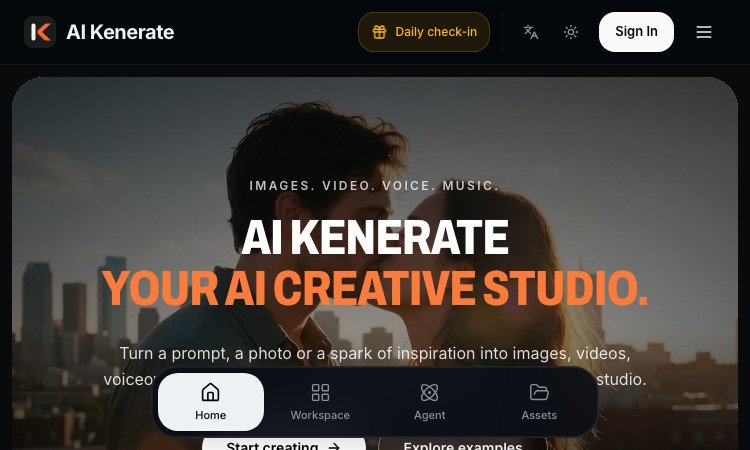
AI Kenerate puts top models like Veo 3.1, Kling 3.0, FLUX, and Suno v6 behind one prompt box and one credit balance.Try AI Kenerate.

AI-powered face analysis that turns a photo into detailed measurements, style insights, and personalized recommendations.
Upload a photo. Get the maker, age, and value — Antique Scanner reads marks, materials and wear so you know what your antique is worth.
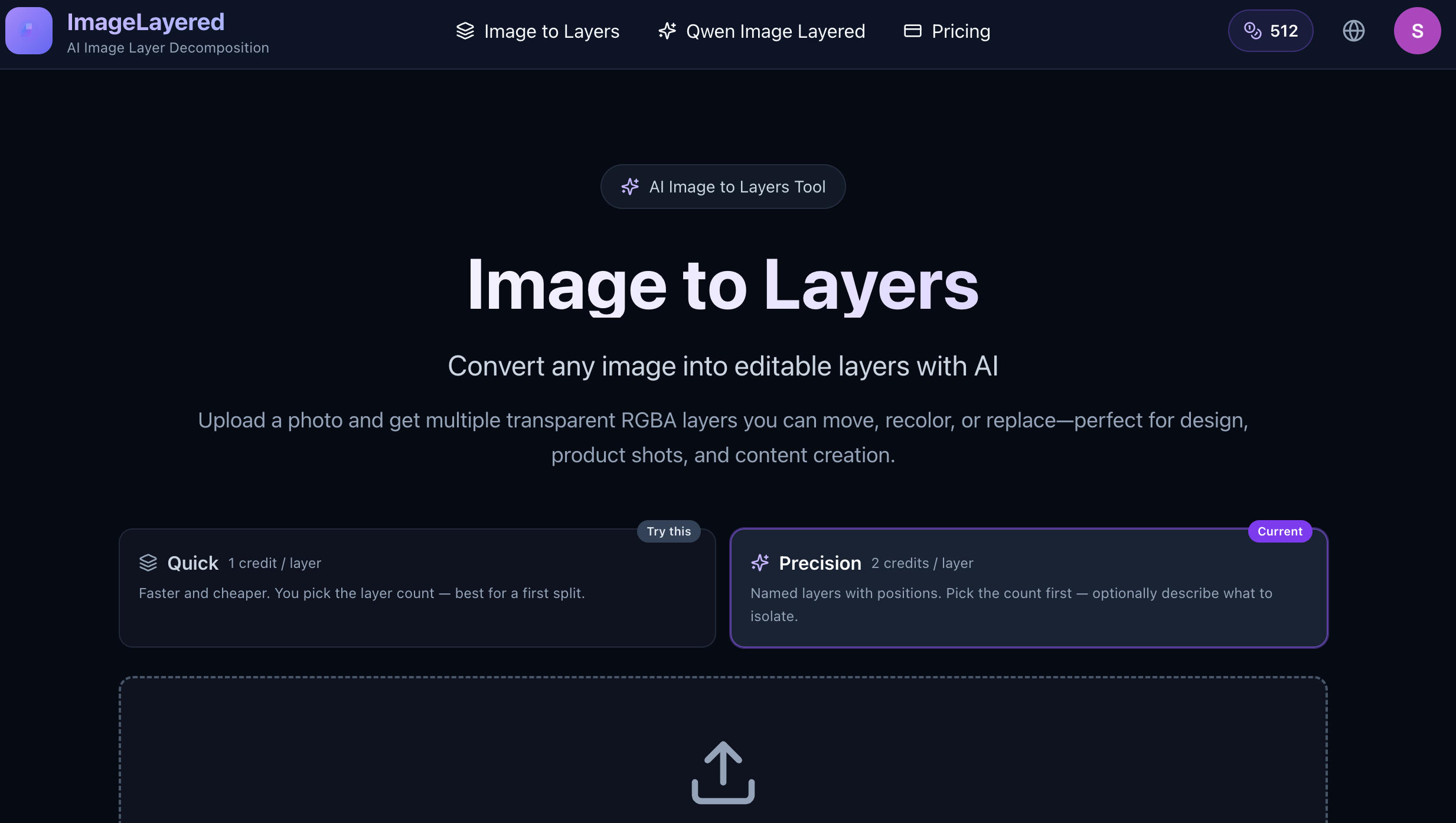
Convert any image into editable layers with AI
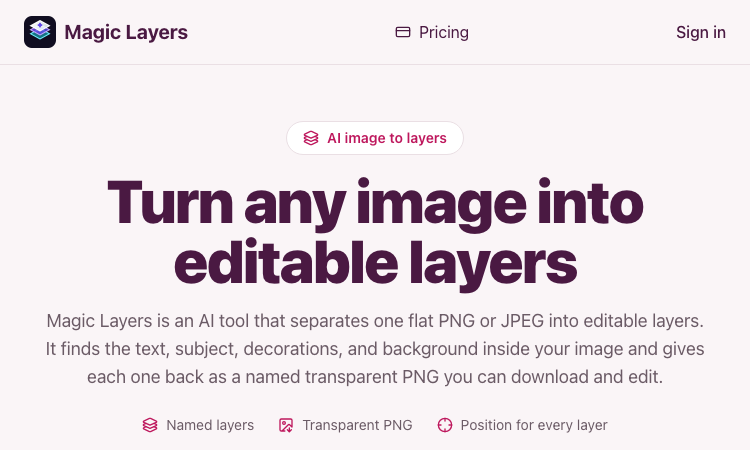
Magic Layers – Official Website, What It Is & How to Use

Harness True Model Potential Transform Every Spark of Inspiration into Reality
