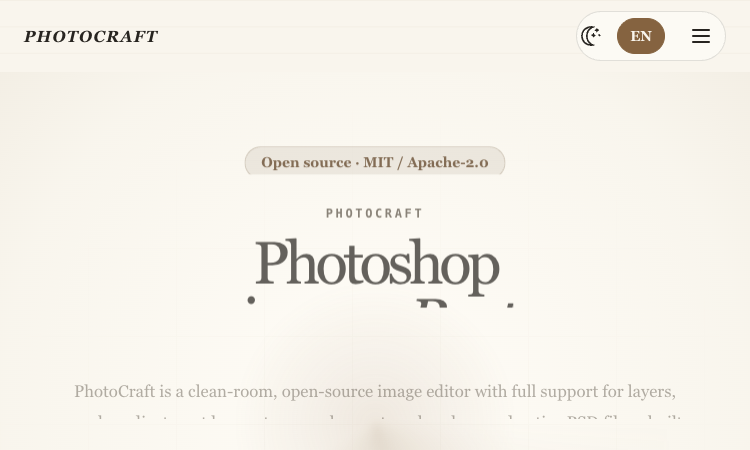
PhotoCraft is an open-source, clean-room image editor built in Rust for desktop and WebAssembly. It is designed for people who want a layered, offline editing workflow and a project they can inspect, run, and extend. It is independent of Adobe and should be evaluated as an early-alpha editor rather than a drop-in replacement for an established production suite. The official product page is the best starting point for current availability, supported workflows, and release details: PhotoCraft image editor.
PhotoCraft works with familiar image-editing concepts: layers, groups, masks, clipping, blend modes, adjustment layers, layer styles, typography, vectors, and a brush engine. These tools make it possible to build an editable composition instead of flattening every change into a single bitmap.
A central reason people look at the PhotoCraft image editor is layered PSD and PSB support. Users can open a Photoshop document, inspect and adjust its layers, and save a layered result. The project reports compatibility testing against public PSD files; as an early project, complex documents should still be checked after round-tripping.
The editor includes raster and vector workflows, pixel and vector masks, selection tools, non-destructive adjustments, and a GPU-backed compositor using wgpu. The official site lists macOS, Windows, Linux, FreeBSD, and a WebAssembly version, so the same project can be explored across native and browser builds.
PhotoCraft also exposes its document engine beyond the graphical interface. The project describes a command-line interface, a JSON control channel, and an MCP server, allowing repeatable edits and agent-oriented automation to use the same underlying commands as the UI.
The published feature set includes 34 tools, 16 adjustment layers, and 27 blend modes. These counts are useful for understanding the project’s scope, but they do not mean it has feature parity with mature commercial software. The maintainers label it early alpha, so test important operations on copies of real files.
Step 1. For an existing design, start by opening a copy of the layered PSD or PSB. Review the layer tree, visibility, blend modes, and masks before editing. Make a small adjustment, save a new file, and compare its appearance in a second viewer before committing to a larger migration.
Step 2. For new artwork, build the composition with separate image, vector, type, and adjustment layers. Keep edits non-destructive where possible, use masks to isolate corrections, and save a native project or layered export so later revisions do not depend on a flattened image.
Step 3. For repeatable work, identify an operation that can be described in the CLI or JSON channel and try it on a disposable copy. An MCP integration can make image-editing commands accessible to compatible agent clients, but users should review every generated change and keep a manual recovery path.
What is PhotoCraft?
PhotoCraft is a clean-room, open-source image editor written in Rust. It provides layers, masks, adjustment tools, typography, vectors, brushes, layered PSD and PSB workflows, and several automation interfaces.
Can PhotoCraft replace Photoshop?
It can be evaluated for selected layered-editing tasks, but the project is early alpha and does not claim complete feature parity. Test your real files and required operations before considering a switch.
Does PhotoCraft send images to an AI service?
The editor describes local selection tools and a local editing engine without cloud dependencies. It is an image editor, not an AI image generator; verify the current release and any integrations you enable.
How should I try PhotoCraft safely?
Download from the official project, work on copies, test opening and saving representative files, and compare exported results in another viewer. Review the license and release notes before team adoption.
Before adopting PhotoCraft image editor, define what success looks like in terms that can be checked: a correctly opened or processed input, an output that meets the quality bar, compatibility with the next step, and a recovery path if something goes wrong. Choose representative material, preserve an untouched copy, and change only one or two settings during the first comparison. Record the exact product version and the choices you made. This creates evidence you can revisit rather than relying on a vague first impression.
PhotoCraft image editor fits best when it is connected to a clear workflow rather than treated as a novelty. Identify the point where it will be used, the person who checks the result, and the next tool or step that receives the output. Then decide what should be saved: source files, prompts, model or app versions, settings, and review notes. A short repeatable process helps teams compare outcomes and prevents avoidable rework. Start with one task that has a visible success criterion, then expand only if the product performs reliably.
For a second evaluation, repeat the task with a different input that tests one important boundary. Examples include a more complex document, a noisier clip, a less familiar location clue, or a multiplayer session with a small invited group. Compare the outcome, note the failure cases, and decide which limitations matter in your setting. That process makes PhotoCraft image editor easier to compare fairly with tools you already use.
The goal is not to use every feature at once. PhotoCraft Image Editor is easier to assess when one defined task is tested carefully, the result is reviewed by a person, and the decision is based on documented capabilities. Visit PhotoCraft image editor for the current product information, then make the next step small enough to reverse if the result is not a fit.
Learn more on the official site: PhotoCraft image editor.

AI Kenerate puts top models like Veo 3.1, Kling 3.0, FLUX, and Suno v6 behind one prompt box and one credit balance.Try AI Kenerate.

AI-powered face analysis that turns a photo into detailed measurements, style insights, and personalized recommendations.
Upload a photo. Get the maker, age, and value — Antique Scanner reads marks, materials and wear so you know what your antique is worth.
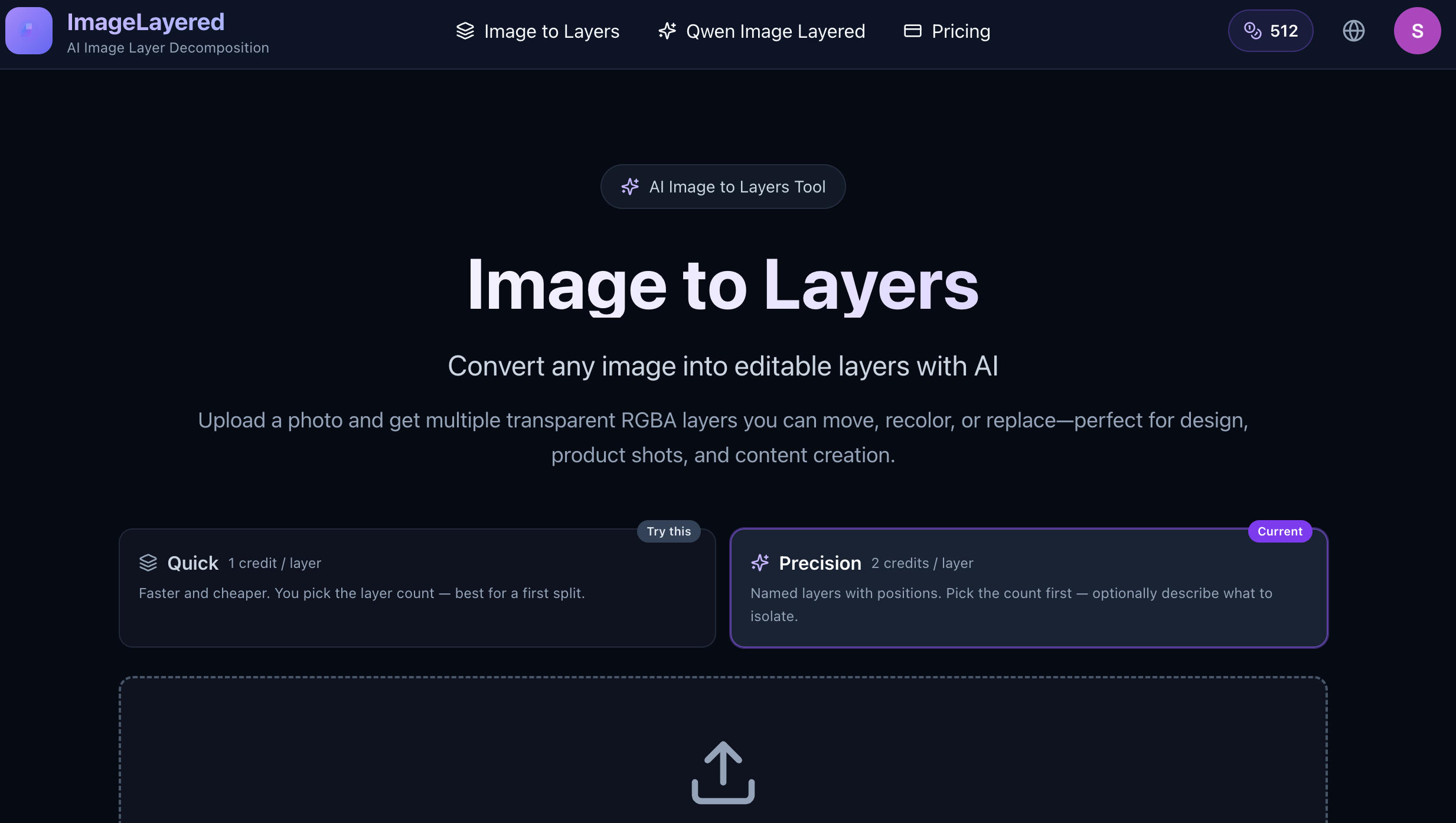
Convert any image into editable layers with AI
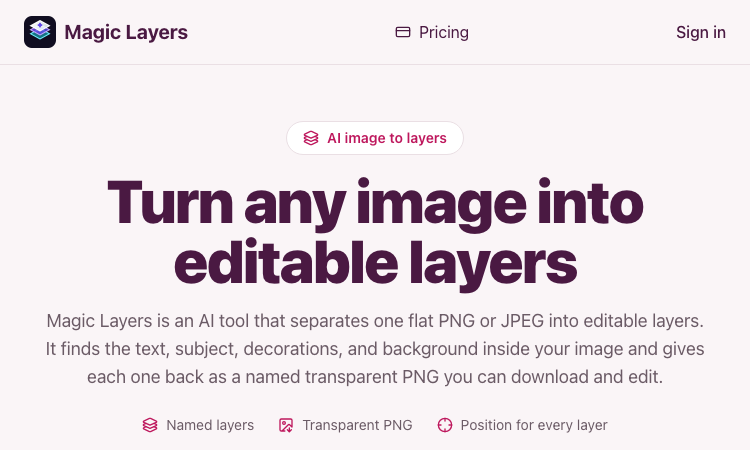
Magic Layers – Official Website, What It Is & How to Use

Harness True Model Potential Transform Every Spark of Inspiration into Reality
