Google AI Edge Foresight is an experimental Mac meeting assistant designed to keep audio capture, note enrichment, indexing, and retrieval on the device. Google describes it as an offline-capable showcase for local AI rather than a cloud transcription service. The Google AI Edge Foresight works best when the goal and expected output are clear before work begins. Teams can use Google AI Edge Foresight to test the same task against their current process.
Capture audio, jot shorthand, and enrich notes from the transcript. Index selected references to ask natural-language questions after a meeting. This can surface decisions scattered across conversations and project files while keeping work on the device. With Google AI Edge Foresight, a small representative task is a better first test than a complicated edge case.
Google AI Edge Foresight Google says the app uses EmbeddingGemma 2 and Gemma 4 for local retrieval and note assistance. Download the Mac app, review audio permissions, and test a short meeting with a few reference files. Check language and source support before using it for recurring work. The Google AI Edge Foresight can be compared on the same example with another option when the choice is not obvious.
Creative users benefit from repeatable experiments. Save a clear source, change one instruction at a time, and compare alternatives. Judge whether the output can be refined for a real project, not just whether one preview looks impressive. For this audience, Google AI Edge Foresight is easiest to judge in context rather than from a headline alone.
It is experimental and Mac-specific, so treat its current behavior and source integrations as subject to change. Confirm consent and local recording policies before capturing a meeting. Check that Google AI Edge Foresight fits your requirements for privacy, rights, setup, and output quality before relying on it.
Start with Google AI Edge Foresight, test one representative task, and use the official documentation to confirm current access. Try it on a non-sensitive meeting first, then check the official page for current downloads and supported features. The Google AI Edge Foresight page has its current controls and terms. Compare Google AI Edge Foresight with your existing workflow before adopting it.
A useful meeting record starts before anyone presses record. Decide which reference documents matter, use a clear project name, and note the questions that should be answered afterward. Google AI Edge Foresight is easier to assess when a meeting has a specific purpose, such as tracking decisions, extracting action items, or recalling a technical discussion. Google AI Edge Foresight can organize notes around the work already in progress, but users should still check that imported material is relevant and permitted. A tidy reference set also makes later retrieval more reliable.' Google AI Edge Foresight should be judged in that context. In practice, Google AI Edge Foresight can be judged by its results.
During a meeting, spoken audio and personal notes can complement one another. Capture only what participants have agreed may be recorded, and add short notes when a name, acronym, or decision needs context. Google AI Edge Foresight is designed to enrich notes using local AI features, so a brief correction or reminder can help make later summaries easier to understand. Avoid treating a transcript as a verbatim legal record unless it has been reviewed. The goal is a useful working memory that helps a person revisit the discussion, not an unquestioned replacement for careful minutes.' Google AI Edge Foresight should be judged in that context. In practice, Google AI Edge Foresight can be judged by its results.
Google describes Foresight as an AI Edge showcase that performs meeting assistance on a Mac. Its local-first design is useful to people who want to explore note enrichment and retrieval without relying on a routine cloud round trip. Google AI Edge Foresight should still be assessed with the actual device, account, and file types a team uses. Local processing does not automatically answer every privacy question, so verify the current implementation and permissions. Users should know where recordings, indexes, and exported notes are stored before adding sensitive material.' Google AI Edge Foresight should be judged in that context. In practice, Google AI Edge Foresight can be judged by its results.
A reference library works best when files are selected intentionally and have understandable names. Add project notes, approved briefs, or material participants expect to use, then remove obsolete copies that may confuse answers. Google AI Edge Foresight can use indexed references to help answer questions after a discussion, but retrieval quality depends on what is available to search. A missing document cannot support a reliable answer. Keep source documents authoritative and preserve links or filenames when possible so a reader can verify the underlying evidence rather than relying on a generated summary alone.' Google AI Edge Foresight should be judged in that context. In practice, Google AI Edge Foresight can be judged by its results.
After a meeting, ask one precise question at a time: what decision was made, who owns a task, or which issue remains open? Google AI Edge Foresight can make a collection of notes more approachable through natural-language retrieval. Narrow questions are easier to verify than broad requests for a complete project history. If the answer seems surprising, inspect the cited or related source material and refine the question. Treat the output as a starting point for navigation, especially when dates, commitments, or numbers will be used in a report or sent to another person.' Google AI Edge Foresight should be judged in that context. In practice, Google AI Edge Foresight can be judged by its results.
Google has described EmbeddingGemma 2 and Gemma 4 as part of the local retrieval and note-assistance story for Foresight. Embeddings help find related material, while a generative model can help phrase a response or enrich a note. Google AI Edge Foresight is therefore useful to examine as a product workflow, not merely as a model demo. The practical result depends on the app’s current model package, hardware, and configuration. Read the current project documentation for supported devices and components because experimental software can change during development.' Google AI Edge Foresight should be judged in that context. In practice, Google AI Edge Foresight can be judged by its results.
Before investing time in a rollout, confirm the supported Mac versions, storage needs, languages, and file formats. Google AI Edge Foresight may feel responsive on one device and constrained on another, especially when a large reference library is indexed. Test a short sample and note how long processing takes, how much disk space is used, and what happens when the network is unavailable. Do not infer broad language coverage from one successful meeting. For multilingual teams, review transcripts and retrieval answers with speakers who understand the language and domain.' Google AI Edge Foresight should be judged in that context. In practice, Google AI Edge Foresight can be judged by its results.
Recording policies differ across workplaces and jurisdictions, so obtain clear participant consent and follow organizational rules. Google AI Edge Foresight does not remove that responsibility simply because processing is local. Decide who can access the Mac, how long source recordings should remain, and whether notes may be exported to shared systems. Avoid using personal devices for confidential meetings unless approved. Teams should also establish a correction process for names, attributions, and action items so an inaccurate note does not become an official record through repeated copying.' Google AI Edge Foresight should be judged in that context. In practice, Google AI Edge Foresight can be judged by its results.
Foresight is presented as an experimental application, so its features, supported sources, and installation process may evolve. Google AI Edge Foresight is best trialed with a small, non-sensitive project rather than treated immediately as a production knowledge base. Record which version was tested and what worked. If a key feature is missing, determine whether that is a temporary limitation or outside the intended scope. Keep critical meeting records in the system your organization already trusts until the local application has demonstrated dependable capture, retrieval, and export behavior.' Google AI Edge Foresight should be judged in that context. In practice, Google AI Edge Foresight can be judged by its results.
Choose a handful of ordinary meetings with different formats: a planning discussion, a design review, and a follow-up with specific action items. Compare the generated notes against a human-written baseline and check how quickly participants can find a prior decision. Google AI Edge Foresight should reduce friction without obscuring where an answer came from. Ask users whether the capture steps are comfortable and whether the local workflow fits their devices. End the pilot with a simple decision: continue testing, expand cautiously, or return to the existing notes process.' Google AI Edge Foresight should be judged in that context. In practice, Google AI Edge Foresight can be judged by its results.
AI Kenerate puts top models like Veo 3.1, Kling 3.0, FLUX, and Suno v6 behind one prompt box and one credit balance.Try AI Kenerate.

AI-powered face analysis that turns a photo into detailed measurements, style insights, and personalized recommendations.
Upload a photo. Get the maker, age, and value — Antique Scanner reads marks, materials and wear so you know what your antique is worth.
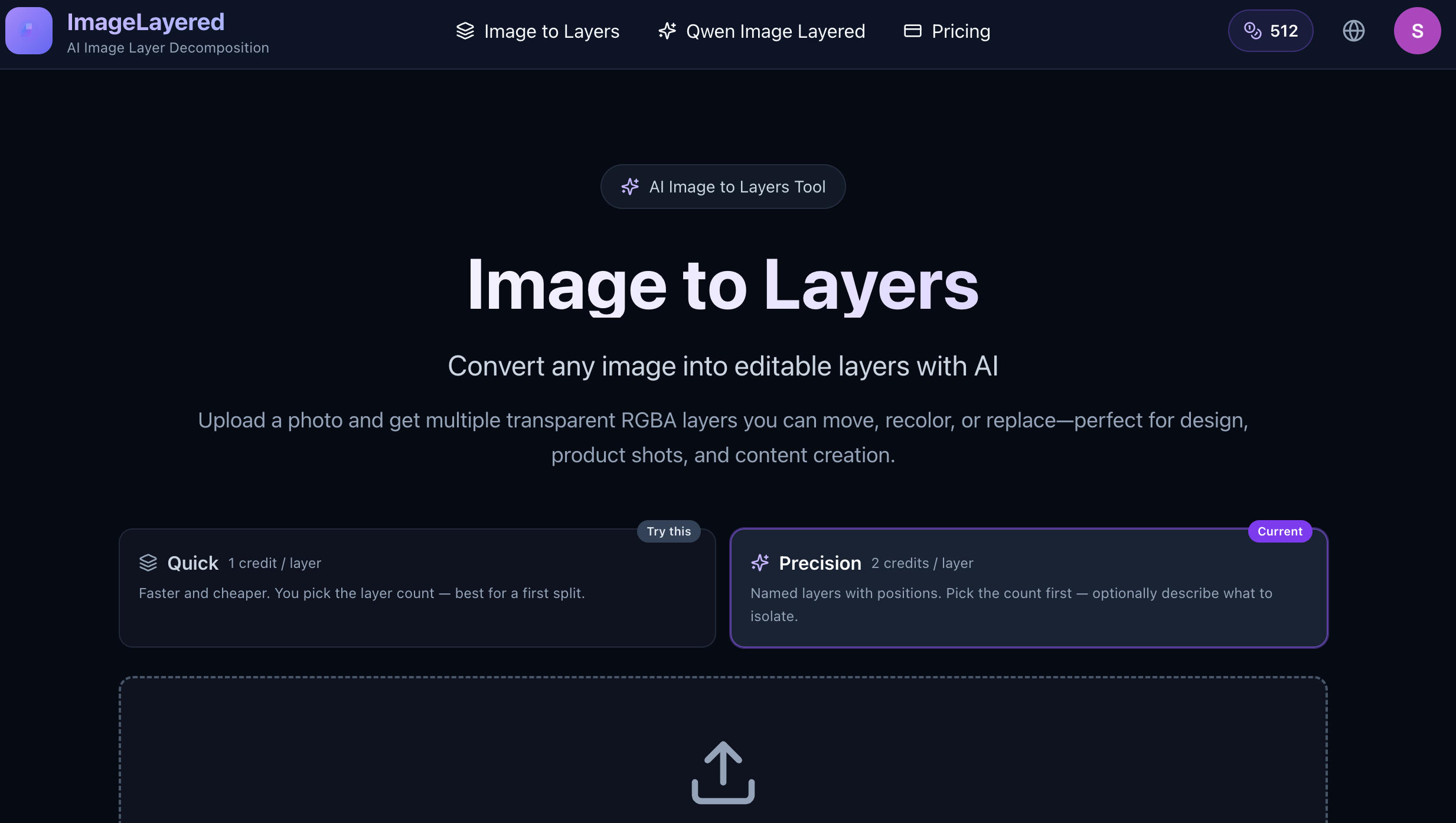
Convert any image into editable layers with AI
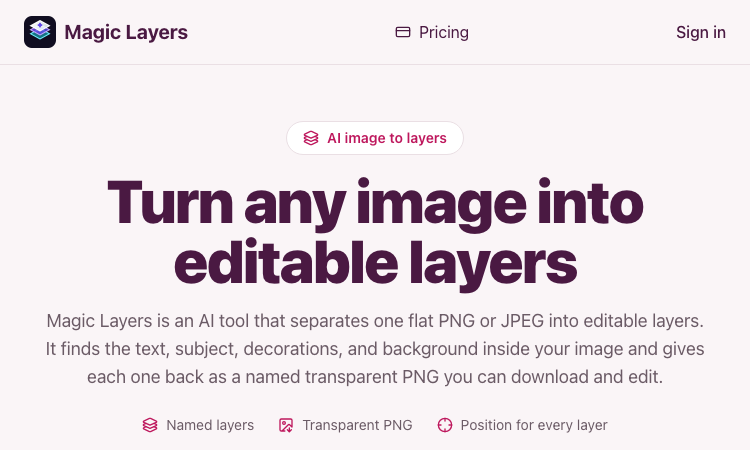
Magic Layers – Official Website, What It Is & How to Use

Harness True Model Potential Transform Every Spark of Inspiration into Reality
