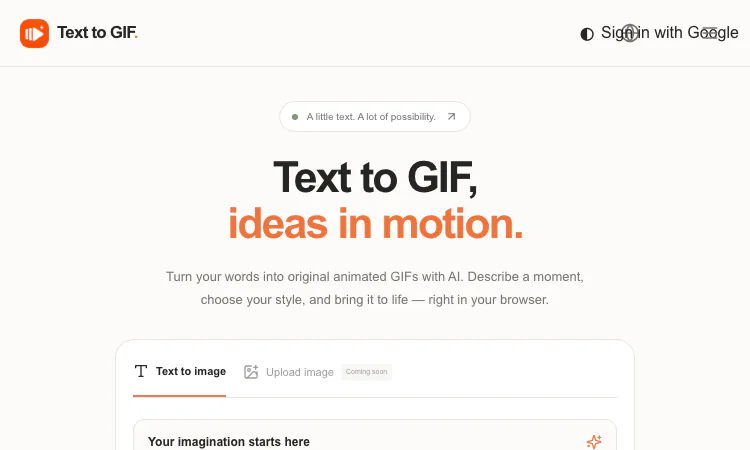
Marketing teams live and die by visual velocity: the campaign that ships today beats the campaign that ships perfectly next month. Text to GIF is an AI GIF generator built for exactly that pressure — it converts written prompts into original looping animations in your browser, so a social post, email header, or landing-page accent can go from idea to finished asset in the time a normal review meeting takes. No agency, no animation suite, no stock-library compromise.
Motion stops the scroll. Across social platforms, feeds and messaging apps, a looping animation earns attention that static imagery consistently fails to capture. The problem has always been production cost: custom animation traditionally meant a specialist, a timeline, and a deadline. Text to GIF collapses that pipeline into a prompt. Describe the visual — "a coffee cup with rising steam and floating beans, warm flat illustration, seamless loop" — and you have an on-brand animated asset that exists nowhere else. Originality is a real advantage here: generated output is not the same stock loop your competitors are running this quarter.
The tool's parameter set maps cleanly onto marketing needs:
Because the exact credit cost is displayed before every generation, budgeting a content batch is arithmetic, not guesswork.
Here is how Text to GIF slots into a weekly content operation:
This pay-per-use model suits seasonal campaigns and lean teams particularly well: you buy credits for the launch, not a seat for the year.
Practical placements that justify credits quickly: email headers and product announcement animations; scroll-stopping social posts across platforms; empty states and hero accents on landing pages; ad-creative variants for A/B testing motion versus static; community Discord stickers that carry brand personality; event screens and webinar holding loops; App Store and Google Play preview accents. The gallery's own examples — a dancing cat, a blooming flower, a spinning planet — are lightweight, but the same engine takes full campaign art direction: brand palette references, illustration styles, specific motions, and explicit "seamless loop" instructions all belong in the prompt.
The workspace runs identically on phone, tablet, and desktop, with light and dark themes, so whoever owns content that day can produce from anywhere. The editor is open without sign-in — accounts matter only at download time — which lowers the friction for freelancers and rotating social managers. Job progress persists if someone closes the tab mid-generation and returns on the same browser and account, an underrated feature when content calendars are juggled across interruptions. Multi-language support (English, Traditional Chinese, Japanese) helps regional teams work in their own language.
Set expectations correctly: generation time varies with quality, resolution, frame count, and provider demand, so same-hour turnarounds should use modest settings. Output varies between runs — the product itself advises refining prompts and inspecting results before publishing, which translates to "keep a human in the approval loop." Commercial use requires checking the AI provider's terms and rights around your prompt; trademark and likeness diligence stays with the brand. Image uploads and editing are on the roadmap but currently the input is text-only. And 16 frames is a ceiling: this is short-loop territory, ideal for accents and reactions, not for narrated explainer animation.
To make ROI concrete, watch how Text to GIF fills a typical month. Week one: Text to GIF generates six concept loops for the campaign theme at Draft-tier cost. Week two: the team re-renders three winners at Maximum in feed, story, and banner ratios. Week three: Text to GIF supplies A/B variants — same art direction, swapped motion words — the controlled creative testing media buyers love. Week four: Text to GIF turns leftover credits into community stickers and a channel holding-loop, while the same workspace's SVG mode covers brand vector assets. Total spend: one credit pack, no retainer. Compare that with a stock-GIF subscription (generic loops your competitors also run) or an agency motion budget (weeks of lead time), and the pitch — original loops, platform-correct ratios, disclosed per-render cost — makes the math obvious. For lean growth teams, Text to GIF converts motion design from a premium deliverable into a line item you control; that is the quiet superpower of Text to GIF pricing.
For lean marketing teams, the economics are the headline: original motion assets at credit prices, platform-correct ratios, web-friendly WebP output, and zero recurring cost between campaigns. The capability shift is real — motion design goes from a bottleneck resource to a prompt away. Put Text to GIF in next week's content sprint: brief it like a designer, iterate like a media buyer, and publish loops that nobody else's feed has. Your brand's next scroll-stopper starts with a sentence at Text to GIF.
Flying Roadster AI Video Generator makes a personal flying car video from your photos, with optional driver portrait and an easy path to share the result.

GCS Cheats provides undetected game hacks, aimbots, ESP, and verified configs across 41 multiplayer titles with instant digital key delivery.
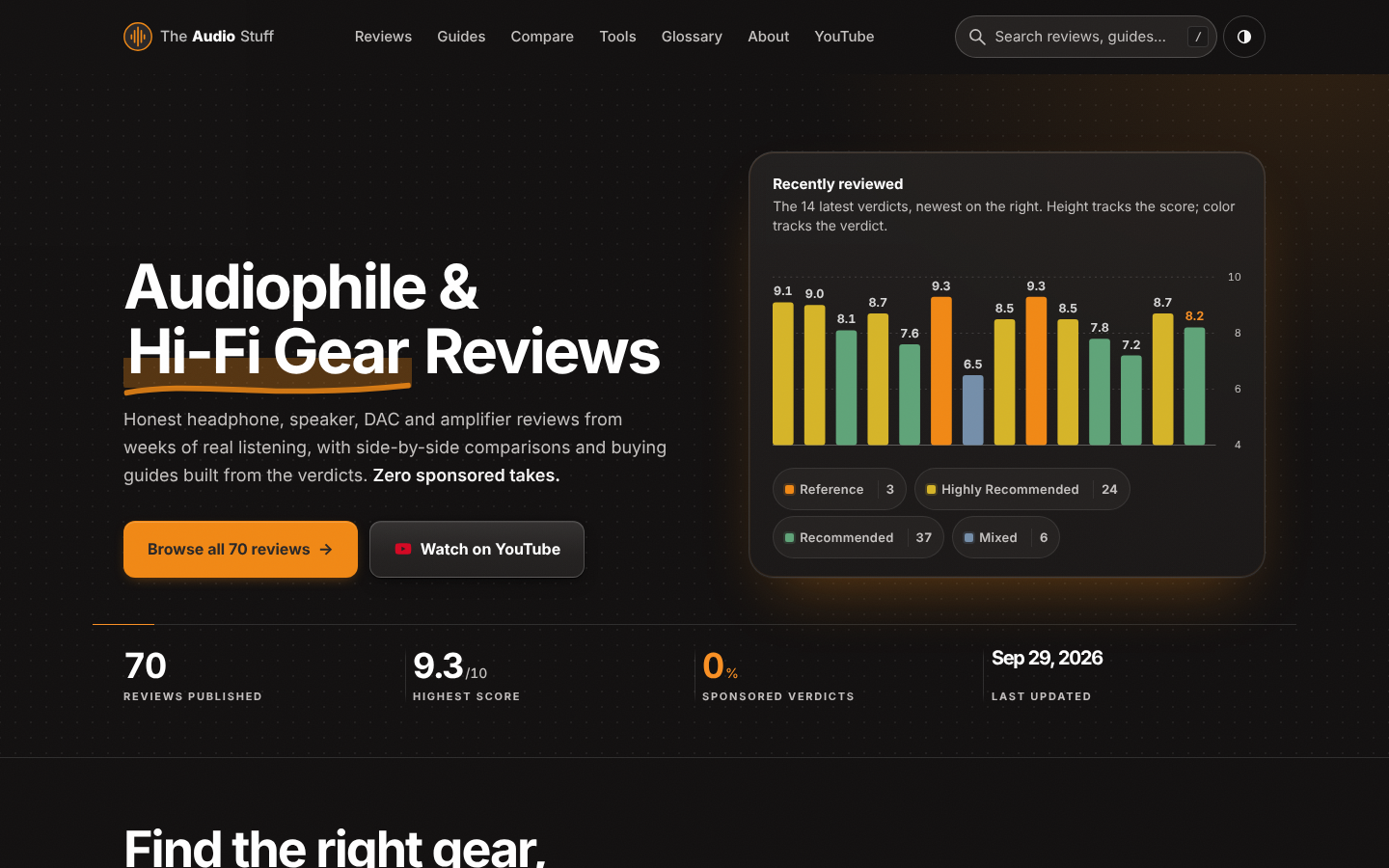
Headphone, DAC, amp and speaker reviews with pros, cons, price history and the one catch to know, from weeks of real listening. No ads, no affiliate links.
Project Moon Life is a free life simulator about personal choices, unexpected turns, and the stories that grow from a resident’s changing circumstances.

AI-powered face analysis that turns a photo into detailed measurements, style insights, and personalized recommendations.
Upload a photo. Get the maker, age, and value — Antique Scanner reads marks, materials and wear so you know what your antique is worth.
