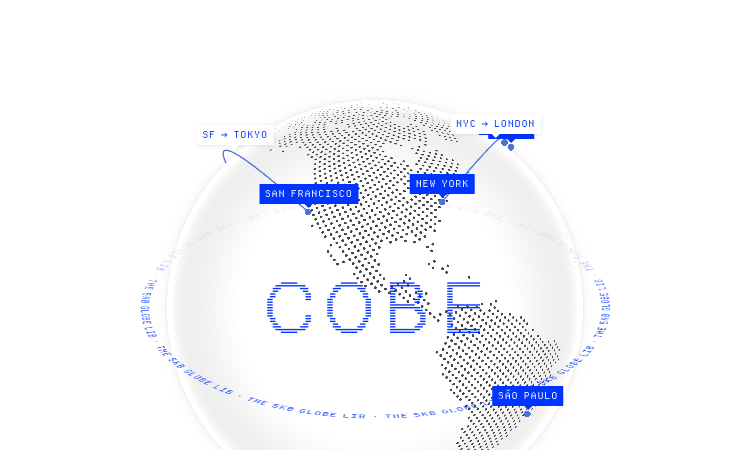
Cobe Js is a 5KB WebGL globe library with a 13-scene demo site.
We are not the official developer of Cobe Js. This page helps users find, understand, and use the product.
The first thing visitors see on Cobe Js is a fullscreen dark globe with glowing city dots and animated flight arcs — then the page cycles through 13 scenes: Stickers, Labels, Satellites, Polaroids, Live Badge, Flights, Interactive, Analytics, Pulse, Weather, and Bars. This is a product that sells itself by demonstration: it shows exactly what a 5KB library can do, from a minimal labeled globe to a data-viz globe with animated bars.
The library is built around a single API. After npm install cobe, you import createGlobe and call it with a canvas element and an options object containing devicePixelRatio, width, height, phi, theta, dark, diffuse, mapSamples, mapBrightness, baseColor, markerColor, and glowColor. The demo page displays this exact config, and also links runnable examples for React, Vue, and Svelte, plus a CDN option — so it works for both framework users and plain script tags.
npm install cobe.import createGlobe from 'cobe'.createGlobe(canvas, config) using the demo's options as a template, and swap in your own colors and markers.Cobe Js is a transparent open-source project: the entire source is public on GitHub under an MIT license, with more than 5,600 stars, so the code can be reviewed before use. The library is purely client-side — it draws WebGL on a canvas and performs no network communication, data collection, or account requirements. The demo page is a static Vercel deployment, usable without registration or payment. The author, Shu Ding, is a recognized Vercel developer (SWR creator, Next.js core contributor), a public figure rather than an anonymous publisher. The only real limitation is functional: cobe renders but does not ship map data, so you must provide your own markers. Reasonable caution applies to any third-party code, but this one is about as auditable as it gets.
Cobe Js became a small phenomenon in the frontend community when its creator demonstrated a photorealistic 3D globe in only 5KB — a result developers had assumed would require megabytes of Three.js code. The announcement thread on X/Twitter, which went through the rendering details, was widely shared, and the "COBE" demo site became a bookmark for anyone wanting that effect on their own site. With over 5.6K stars and continued maintenance, it remains one of the first results when developers search for a lightweight globe library — and those searches are what "cobe js" queries look like.
If Cobe Js does not work, try:
If you like Cobe Js, you can also try:
The official website is https://cobe.vercel.app/ (source: github.com/shuding/cobe).
Yes, the library is MIT-licensed open source and free for personal and commercial use.
No. The demo site requires no login, and the library runs without any account.
Shu Ding (@shuding), a Vercel developer and the creator of SWR.
Yes, the GitHub repo is still being updated and the demo site is online as of 2026-08-21.

AI-powered face analysis that turns a photo into detailed measurements, style insights, and personalized recommendations.
Upload a photo. Get the maker, age, and value — Antique Scanner reads marks, materials and wear so you know what your antique is worth.
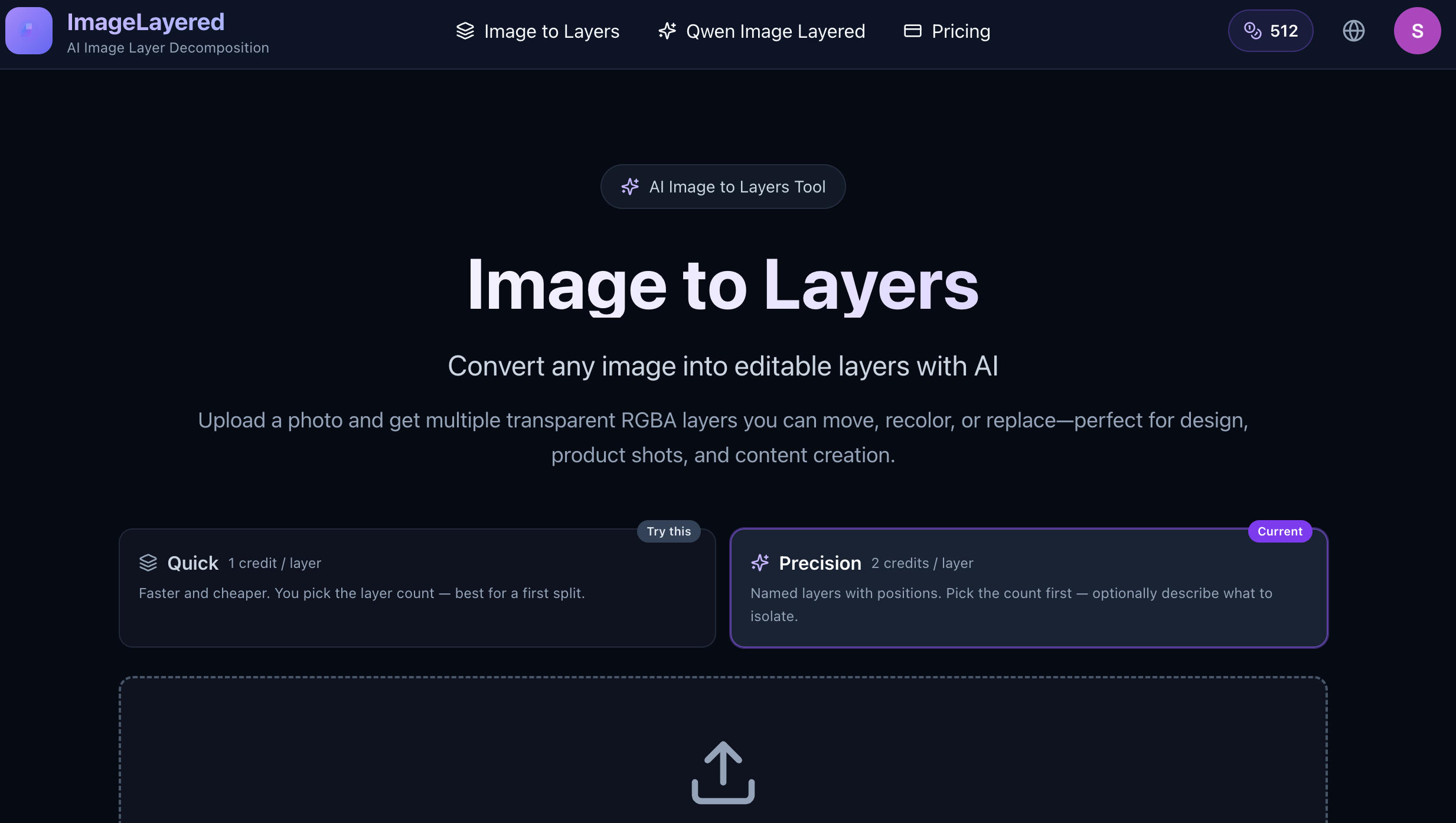
Convert any image into editable layers with AI
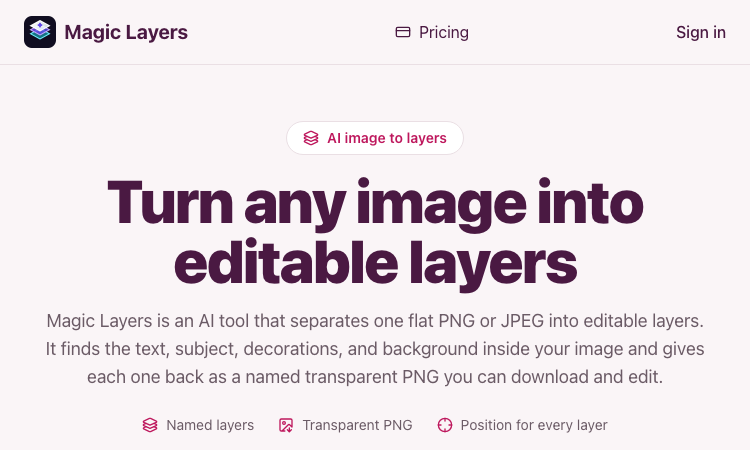
Magic Layers – Official Website, What It Is & How to Use

Harness True Model Potential Transform Every Spark of Inspiration into Reality

Longruay - 30-day wealth decision game: manage US$100 million, pick an identity, get a private report.
